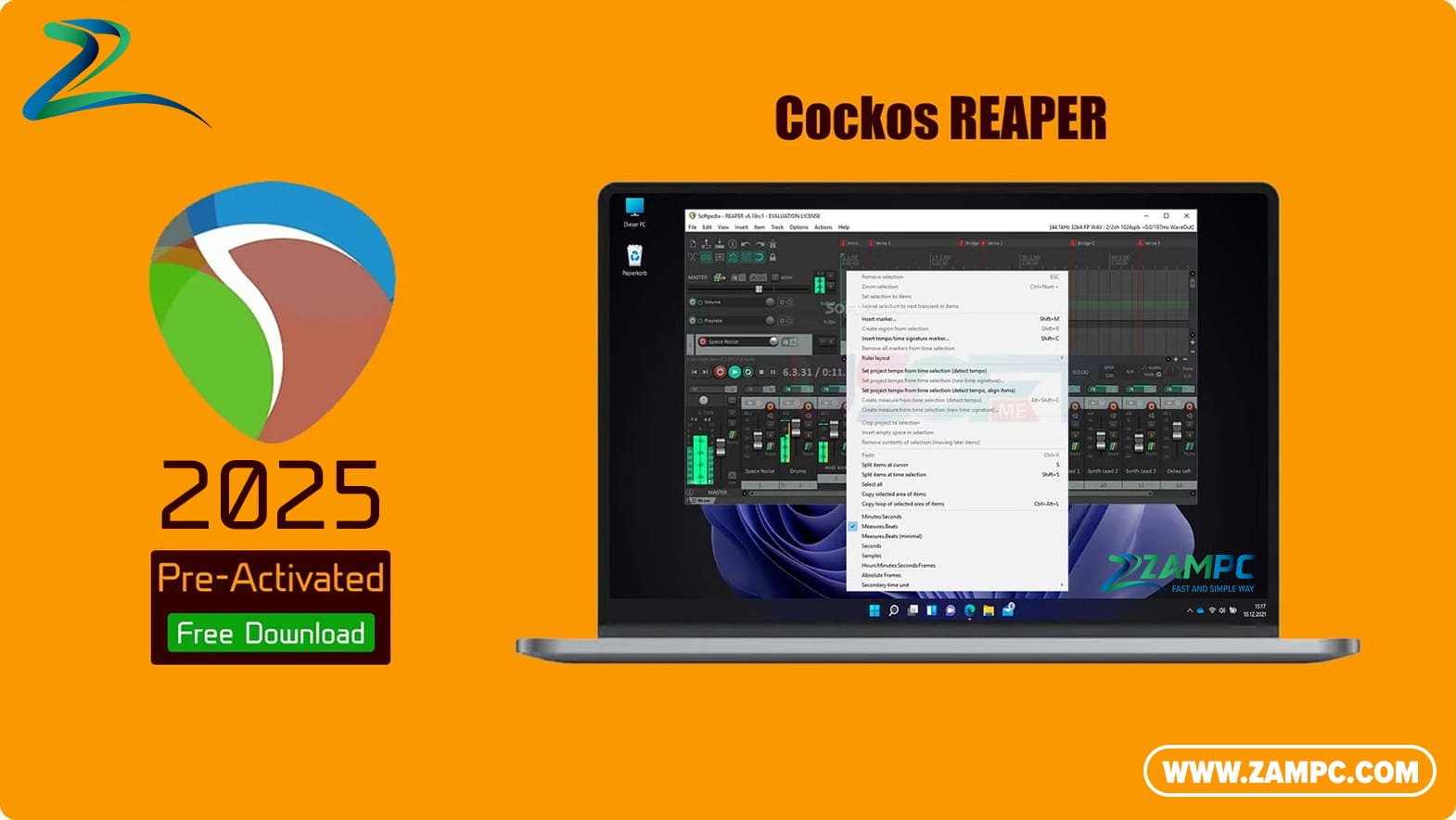
Free Download Cockos REAPER full version standalone offline installer for Windows. It lets users record, arrange, edit, and render multi-track waveform audio.
REAPER (Rapid Environment for Audio Production, Engineering, and Recording) is a powerful, lightweight, and highly customizable Digital Audio Workstation (DAW) for Windows and macOS, known for its exceptional value, stability, and minimal CPU footprint.
Overview of Cockos REAPER
Developed by Cockos, REAPER is a complete software solution for multi-track audio and MIDI recording, editing, mixing, mastering, and beyond. It challenges industry giants by prioritizing efficiency, customization, and a non-destructive editing workflow. Its small download size and extensive scripting/extension support make it a favorite among power users, podcasters, composers, and sound engineers.
Key Features
-
Lightweight & Efficient: Extremely small installation (~25 MB), fast load times, and famously low CPU/RAM usage, allowing for massive project counts even on older hardware.
-
Fully Customizable: Redefine almost every aspect: menus, toolbars, keyboard shortcuts, layout, and mouse behaviors. Create custom workflows and screensets.
-
Powerful Audio & MIDI Editing: Non-destructive editing with ripple, razor, and glue editing modes. Excellent MIDI sequencing and piano roll editor (continuously improved).
-
Vast Plugin Support: Native support for VST, VST3, AU, DX, and JSFX plugins. Cockos’s own JSFX platform allows for user-created effects and instruments.
-
Outstanding Routing: A flexible, studio-like routing matrix that lets you send audio and MIDI anywhere, creating complex signal paths with ease.
-
ReaPlugs Suite: Includes a high-quality, lightweight suite of native effects (EQ, compression, reverb, etc.) usable in any DAW.
-
Actions & Scripting: Control everything via the “Actions” list. Extend functionality with ReaScript (using Lua, Python, EEL) for automated, complex tasks.
-
Affordable Licensing: Clear, reasonably priced personal and commercial licenses with a generous, fully-functional 60-day trial.
Why Choose REAPER?
-
Cost-Effective Power: Unmatched capability for its price. The trial never disables features, promoting honest evaluation.
-
Runs Anywhere: Its efficiency makes it ideal for high-track-count projects, live sound, field recording, and on less powerful laptops.
-
Freedom to Work Your Way: If you enjoy tailoring your tools, REAPER is unparalleled. The community provides countless custom themes and scripts.
-
Stability & Reliability: Known for being incredibly stable and crash-resistant, crucial for professional work.
-
Active Community & Development: Responsive developers and a passionate, helpful user forum. Frequent updates with meaningful improvements.
System Requirements (Minimum – Windows)
-
OS: Windows 7 (64-bit) or later (Windows 10/11 recommended).
-
Processor: Modern Intel or AMD processor (approx. 1GHz minimum).
-
RAM: 128 MB (but 4 GB+ strongly recommended for real projects).
-
Storage: 100 MB for installation, plus space for projects and audio files.
-
Sound Card: Proper audio drivers (ASIO driver recommended for low-latency recording).
-
Note: macOS and Linux versions are also available.
Digital Audio Workstation, DAW, Audio Recording, Audio Editing, MIDI Sequencing, Mixing, Mastering, Podcast Production, Music Production, Lightweight, Customizable, Affordable, VST Support, ReaScript, Windows Software, MacOS Software