Draftable Desktop
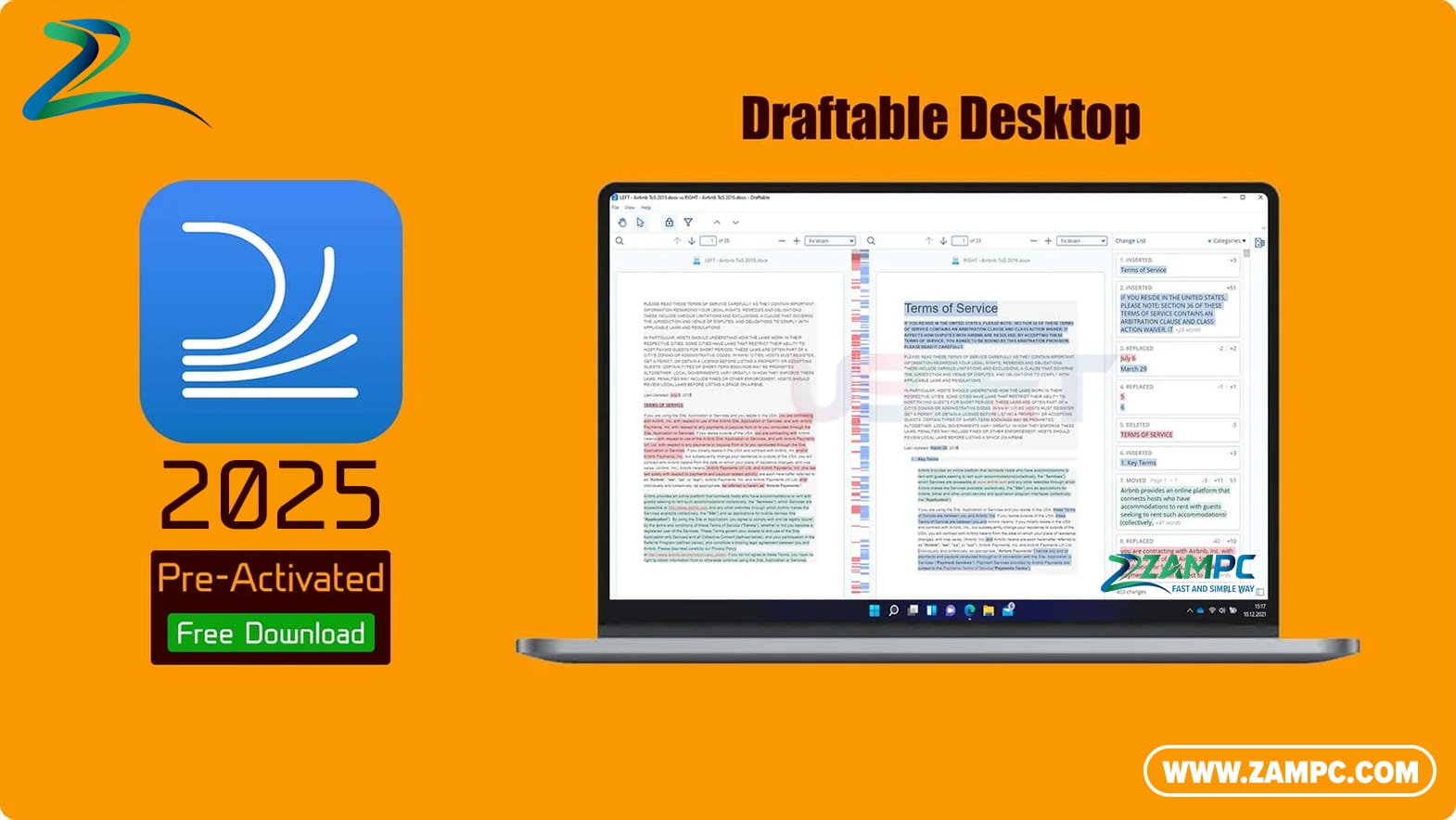
Draftable Desktop is a powerful, standalone software that allows you to compare text in PDFs, Word documents, Excel spreadsheets, and PowerPoint presentations. Instantly see what has changed between two versions of a document, saving you hours of manual proofing and review.
✨ Key Features:
| Icon | Feature | Description |
|---|---|---|
| 📄 | Multi-Format Support | Compare PDF, Word (.doc/.docx), Excel (.xls/.xlsx), PowerPoint (.ppt/.pptx), and even text files with a single tool. |
| ⚡ | Side-by-Side View | A clear, color-coded view highlights all additions, deletions, and modifications for easy review. |
| 🔍 | Powerful Navigation | Quickly jump between changes with a summary panel and clickable highlights, making long document review effortless. |
| 🛡️ | 100% Offline & Private | All comparisons happen on your computer. Your confidential documents never leave your PC, ensuring complete privacy. |
| 📊 | Excel-Specific Comparison | Intelligently compares worksheets, cells, and formulas, highlighting even the smallest data changes. |
| 🎯 | High Accuracy | Reliably detects text, formatting, and layout changes, even in complex documents with tables and images. |
System Requirements
-
Operating System: Windows 10 or Windows 11 (64-bit)
-
Processor: 1 GHz or faster processor
-
Memory (RAM): 4 GB RAM or more
-
Hard Disk Space: 200 MB of available space
-
Additional: Microsoft .NET Framework 4.7.2 or later (usually pre-installed on Windows 10/11)
document-comparison, pdf-comparison, word-comparison, excel-comparison, legal-tech, proofreading-tool, offline-software, windows-app, productivity, version-control, draftable-alternative, compare-tool